Phishing Attack Prevention: How to Spot Fake Wallet Websites (With Examples)
Why Crypto Is a Prime Target for Phishing Attacks
In 2025, global losses from crypto phishing attacks exceeded $1 billion. Three characteristics of the crypto world make it a paradise for scammers: irreversible transactions (once sent, funds cannot be recovered), pseudonymity (attackers are hard to trace), and technical complexity (many users lack the skills to identify scams).
Unlike traditional finance, there's no bank to freeze your account and no credit card company to issue a chargeback. Your money is your money — but that also means stolen money is gone forever. That's why learning to identify phishing attacks is the most critical survival skill for every crypto holder.
According to Chainalysis, phishing and social engineering accounted for over 40% of all crypto scam losses in 2025. Fake wallet websites remain one of the primary attack vectors.
6 Common Phishing Tactics (With Real Examples)
Understanding attack methods is the best defense. Here are the 6 most common crypto phishing tactics, each with real-world characteristics:
Attackers create near-identical replicas of popular wallet websites with domain names that differ by just one or two characters. For example, metamask.io becomes mettamask.io or meta-mask.io. Victims who download from these sites have their private keys sent directly to the attacker's server.
Red flags: Misspelled domain name, Google Ads at the top of search results, missing HTTPS or mismatched certificate info.
Promoted through social media, Telegram groups, or email, these scams advertise "free airdrops" that require you to connect your wallet and "approve" a claim. The actual approval grants a malicious smart contract unlimited access to drain all tokens of the same type from your wallet.
Red flags: Requires "approve" or "authorize" to claim, connects to unknown website, airdrop info only appears on unofficial channels.
Attackers impersonate official support on Discord, Telegram, or Twitter, sending private messages claiming "unusual activity detected on your account." They then direct you to a fake site to enter your private key or seed phrase "for verification."
Red flags: Official support never DMs first, never asks for private keys or seed phrases, account names may have subtle differences (extra underscore, missing letter).
Fake extensions with the same name as popular wallets appear on the Chrome Web Store or third-party sources. Once installed, they steal passwords, monitor clipboard for crypto addresses, and may even replace copied receiving addresses with the attacker's address.
Red flags: Abnormal install count (too few or inflated reviews), requests excessive permissions, developer name doesn't match official.
Attackers build fake DeFi or NFT platforms that prompt you to connect via WalletConnect or browser wallet. The transaction signing request looks normal but actually authorizes the attacker to access your tokens without limit.
Red flags: Recently created website, unaudited smart contract, abnormally large approval amount in the transaction request.
Disguised as an "urgent upgrade notice" from a well-known DeFi protocol, claiming you must migrate tokens to a new contract before a deadline or your assets will be locked. The migration link leads to a malicious contract that steals your approvals.
Red flags: Creates urgency, not announced on official channels, asks for direct transfer or approval to a new address.
5 Steps to Identify Phishing Websites
Against increasingly sophisticated phishing attacks, these 5 steps will help you quickly identify suspicious websites:
Compare the domain name character by character. Watch for common substitutions: l (lowercase L) and I (uppercase i), 0 (zero) and O (letter O), "rn" that looks like "m", extra hyphens. For example, arcsign.io vs arcs1gn.io differs by just one character.
Click the lock icon in your browser's address bar to view the SSL certificate details. Note: having HTTPS doesn't automatically mean safe — phishing sites can also obtain free SSL certificates, but the certificate issuer information often reveals inconsistencies.
Never access wallet websites from Google Ads, email links, or social media messages. Instead, use bookmarks, official GitHub page links, or find the official URL from CoinGecko/CoinMarketCap project pages. ArcSign's official website is always arcsign.io.
Phishing sites usually only replicate the homepage. Inner pages (documentation, FAQ, team info) may be missing or empty. Check if footer links work, if documentation is complete, and if there's proper contact information.
Confirm the URL on official Discord, Telegram, or Twitter. If any website asks you to enter your private key or seed phrase, it's 100% a scam — no legitimate service will ever ask for this.
Any website, app, or support agent that asks for your private key or seed phrase is a scam. No exceptions. ArcSign will never ask you to enter your seed phrase online, and XOR three-shard encryption ensures your private key never exists in complete form.
How Cold Wallets Reduce Phishing Risk
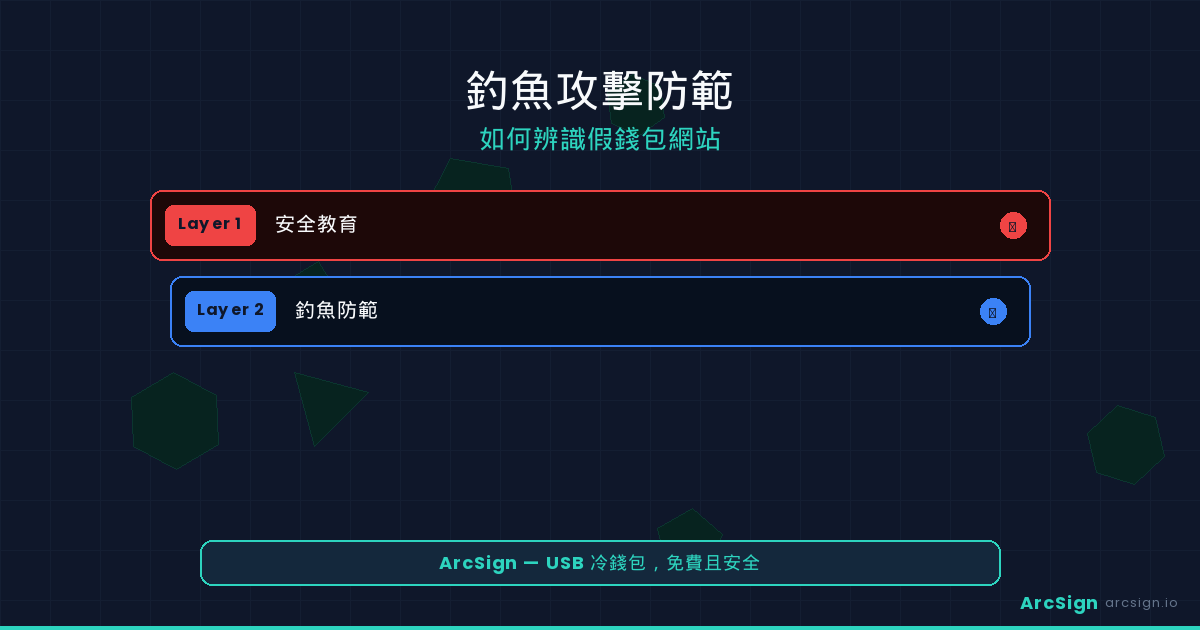
Cold wallets aren't a silver bullet, but they fundamentally eliminate the most lethal attack vectors used in phishing. Here's how a cold wallet — specifically ArcSign — provides layered protection:
Layer 1: Offline Private Key Isolation
ArcSign stores private keys on a USB device, protected by XOR three-shard encryption. Even if your computer is compromised with malware, attackers cannot remotely read private keys from the USB. A phishing site trying to steal your keys would first need physical access to your USB — impossible in a remote attack.
Layer 2: Transaction Signing Verification
When signing transactions with ArcSign, you can clearly see the full transaction details in the desktop app: receiving address, amount, and gas fees. If a DApp tries to get you to sign an unexpected transaction (like unlimited token approval), you can catch it and reject before signing. When using WalletConnect, every transaction requires manual confirmation in ArcSign.
Layer 3: .arcsign Encrypted Backup Eliminates Seed Phrase Risk
Many phishing attacks target your seed phrase. ArcSign's exclusive .arcsign encrypted backup feature exports an AES-256-GCM encrypted file instantly — no additional password setup needed. You can use the .arcsign backup as your primary backup method instead of paper seed phrases, fundamentally eliminating the risk of seed phrase exposure to fake websites.
Layer 4: Token Approvals Management
Even if you accidentally approve a suspicious smart contract, ArcSign's built-in Token Approvals Management lets you view and revoke all ERC-20 token approvals across 6 EVM chains at a glance. Pro users get batch revoke, helping you cut losses before they escalate.
ArcSign's security strategy doesn't rely on a single layer but stacks multiple defenses: XOR three-shard encryption + mlock memory protection + AES-256 encrypted backup + USB offline storage + Token Approvals management. An attacker would need to breach all layers simultaneously — practically impossible.
What to Do If You've Been Phished: Emergency SOP
If you suspect you've fallen victim to a phishing attack, act immediately. Every minute you delay increases the risk of assets being drained.
Revoke all DApp connections in your wallet. If using a browser extension wallet, go to settings and disconnect all connected sites. If using WalletConnect, terminate all sessions in ArcSign's connection manager.
Use ArcSign's Token Approvals feature or tools like Revoke.cash to check and revoke all unrecognized smart contract approvals. Pay special attention to "Unlimited Allowance" — these are the most dangerous.
Create a brand new wallet address (preferably on a different device) and transfer all assets there. Consider the original wallet compromised and stop using it. ArcSign supports multi-chain management, allowing you to create multiple wallet accounts on the same USB.
Screenshot the phishing site's information (domain, page content) and report it to relevant communities and security teams. Your report could save others from becoming victims.
Hot Wallet vs Cold Wallet: Phishing Defense Comparison
| Defense Aspect | Hot Wallet (MetaMask, etc.) | Cold Wallet (ArcSign) |
|---|---|---|
| Private Key Storage | Browser/computer memory (readable by malware) | USB offline device + XOR three-shard encryption |
| Fake Extension Risk | High — fake extensions can steal all data | N/A — ArcSign is a standalone desktop app |
| Clipboard Hijack Protection | Addresses can be swapped undetected | Transactions confirmed in ArcSign with address verification |
| Malicious Approval Management | Requires third-party tools (Revoke.cash) | Built-in Token Approvals (supports 6 chains) |
| Backup Security | Plaintext seed phrase — visible = stolen | .arcsign encrypted backup (AES-256) |
| Remote Attack Surface | Large — any browser-level attack works | Minimal — requires physical USB access |
Frequently Asked Questions
Q: What are the most common crypto phishing attack methods?
The most common methods include fake wallet websites (with altered domains), fake airdrops that trick you into malicious approvals, fake support DMs on social media, fake DApp connection requests, malicious browser extensions, and fake smart contract upgrade notices. They all aim to steal private keys or trick you into signing malicious transactions.
Q: Can a cold wallet completely prevent phishing attacks?
Cold wallets significantly reduce risk but can't prevent every type of phishing attack. They keep private keys offline, making remote theft impossible. However, voluntarily entering your seed phrase on a phishing site or approving a malicious contract can't be prevented by any wallet. Cold wallet + awareness are both essential. ArcSign's .arcsign encrypted backup eliminates seed phrase exposure risk for additional protection.
Q: How can I verify if a crypto wallet website is official?
Check domain spelling carefully (watch for letter swaps), verify HTTPS certificate info, navigate from official social media or CoinGecko/CoinMarketCap, check for complete documentation and team info, and confirm the URL in community channels. Never download wallet software from Google Ads or unknown email links.
Q: What should I do if I accidentally connected to a phishing DApp?
Act immediately: disconnect the DApp, revoke suspicious approvals using ArcSign's Token Approvals feature or Revoke.cash, transfer assets to a new secure address, and document/report the phishing site. The faster you act, the less you lose.
Defend Against Phishing with Offline Cold Storage
Download ArcSign for free — offline private keys + XOR three-shard encryption + .arcsign encrypted backup. Multi-layer protection that keeps scammers out.
Download ArcSign Free